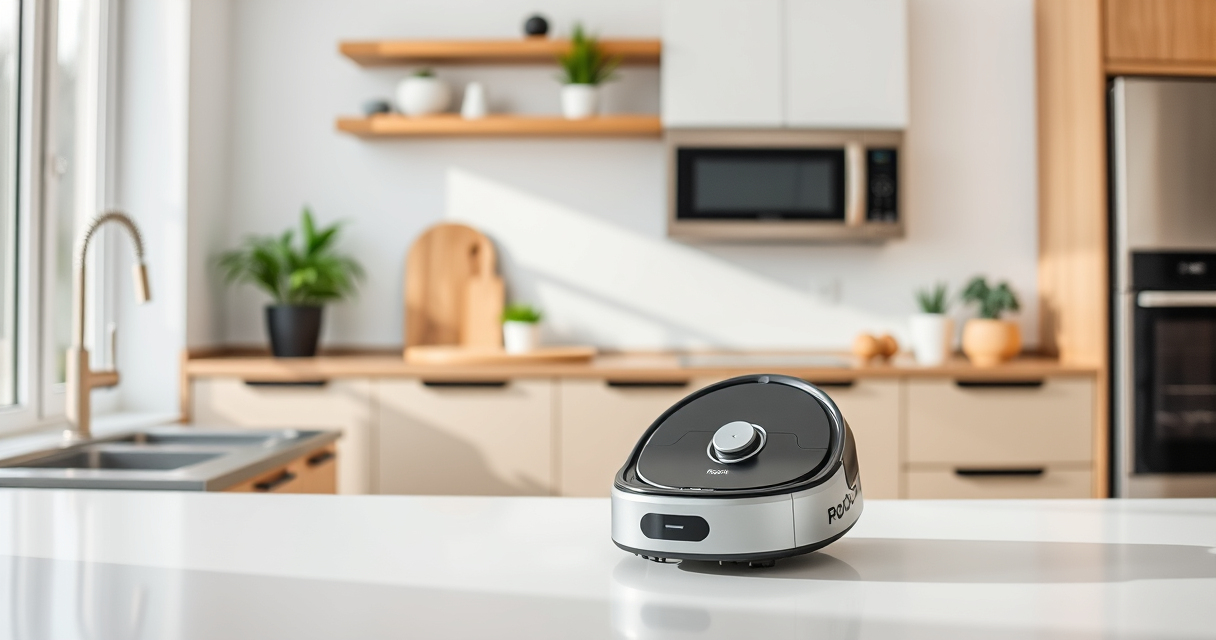
If your Roborock Q10 S5+ robot vacuum is not mopping as it should, it can be frustrating, especially when you rely on its sonic mopping system for cleaning. Often, the issue stems from simple problems like clogged filters, mop pad misalignment, or software glitches. This guide walks you through practical, step-by-step solutions to get your mopping system back in action, ensuring your floors stay spotless without hassle.

Get home appliances delivered free — and shop member deals
- Fast, free delivery on millions of items
- Access to Prime Big Deal Days deals on October 6–7
- Prime Video, Amazon Music and more included
Before starting, make sure you have basic cleaning tools, spare mop pads, and your robot vacuum nearby. Always prioritize safety by turning off the device before performing maintenance tasks.
Key Takeaways
| Check the mop pads | Ensure mop pads are clean, properly installed, and not worn out. |
| Inspect water and cleaning system | Verify water tank is filled and no blockages exist. |
| Software and settings | Make sure mopping mode is activated and firmware is up-to-date. |
| Clean sensors and brushes | Remove debris from obstacle sensors and brushes to prevent malfunctions. |
Step 1: Verify Mop Pad Installation and Condition
- Turn off your Roborock Q10 S5+ and remove the mop pad. Check if it is properly aligned and securely attached to the mop module.
- Inspect the mop pad for dirt, wear, or damage. If dirty, wash it with mild detergent and let it dry completely before reuse.
- Reinstall the mop pad, ensuring it is snug and correctly aligned with the mop plate.
Step 2: Check Water Tank and Sonic Mopping System
- Remove the water tank, refill it with clean water, and ensure it is properly seated.
- Inspect the water inlet and outlets for blockages or buildup. Clear any debris carefully.
- Ensure the sonic mopping feature is enabled in the app settings. Test the water flow by initiating a mopping cycle.
Step 3: Confirm Mopping Mode and Firmware
- Open the Roborock app and verify that the mopping mode is activated for your cleaning schedule.
- Check for firmware updates in the app, and install any available updates to improve performance.
- Reset the cleaning settings if necessary, and restart the robot to apply changes.
Step 4: Clean Sensors and Brushes
- Turn off the robot and inspect obstacle sensors for dust or obstructions. Gently wipe with a soft cloth if needed.
- Remove the main brush and side brushes, removing tangled hair or debris.
- Reassemble the brushes securely and test the device again.
Step 5: Run a Test Mopping Cycle
After completing the above steps, start a test mopping cycle. Observe if the mop moves correctly and water flows as expected. If issues persist, consider replacing the mop pads or contacting customer support.
The Products in This Guide

roborock Q10 S5+ Robot Vacuum and Mop
- ✔ Dust Capacity: 2.7L
- ✔ Wi-Fi: Yes
- ✔ App Control: Yes

4 Pack Washable Filter
- ✔ Size: Standard fit
- ✔ Material: HEPA
- ✔ Washable: Yes
roborock Q10 S5+ Robot Vacuum and Mop
The Roborock Q10 S5+ offers powerful 10,000 Pa suction and an advanced sonic mopping system, making it a top choice for comprehensive floor cleaning. Its obstacle avoidance and self-emptying features add convenience, but occasional maintenance is needed for optimal mopping performance.
Pros:
- Powerful suction
- Self-emptying station
- Sonic mopping system
- Obstacle avoidance
Cons:
- Requires regular mop pad cleaning
- Water system can clog
- Firmware updates needed periodically
Best for: Homes needing deep cleaning and pet hair removal
Not ideal for: Users seeking ultra-quiet operation or minimal maintenance
Bottom line: Reliable, high-performance vacuum with effective mopping capabilities
4 Pack Washable Filter
This washable HEPA filter set ensures your Roborock Q5 series maintains strong suction and air quality. Easy to install and clean, these filters help keep your vacuum performing at its best.
Pros:
- Reusable and washable
- Maintains suction power
- Easy to install
- Effective filtration
Cons:
- Needs regular cleaning
- Not OEM, but compatible
- Replacement every few months
Best for: Pet owners and allergy sufferers
Not ideal for: If you prefer OEM parts only or do not want to clean filters regularly
Bottom line: High-quality washable filters that boost your vacuum’s lifespan
Frequently Asked Questions
Why isn’t my Roborock mopping properly?
Common causes include dirty mop pads, clogged water tanks, or incorrect settings. Follow the troubleshooting steps to resolve these issues.
How often should I replace the mop pads?
It’s recommended to replace or wash reusable mop pads every 1-3 months depending on usage and dirt buildup.
Can I use third-party mop pads?
Yes, but ensure they are compatible with your model and made from suitable microfiber materials to avoid damage.
How do I update the firmware?
Open the Roborock app, connect your device, and check for firmware updates in the device settings section.
Keep Your Roborock Mopping Smoothly
Maintaining your Roborock Q10 S5+ for optimal mopping performance involves regular checks of the mop pad, water system, and software. By following these steps, you can troubleshoot common issues safely and effectively, ensuring your floors stay spotless with minimal hassle.
Remember, regular cleaning and updates are key to keeping your robot vacuum working at its best, so stay proactive with maintenance to enjoy hassle-free cleaning routines.
Affiliate disclosure: As an Amazon Associate we earn from qualifying purchases. Prices and availability are accurate as of the time of publishing.
Halloween Picks
halloween
As an affiliate, we earn on qualifying purchases.