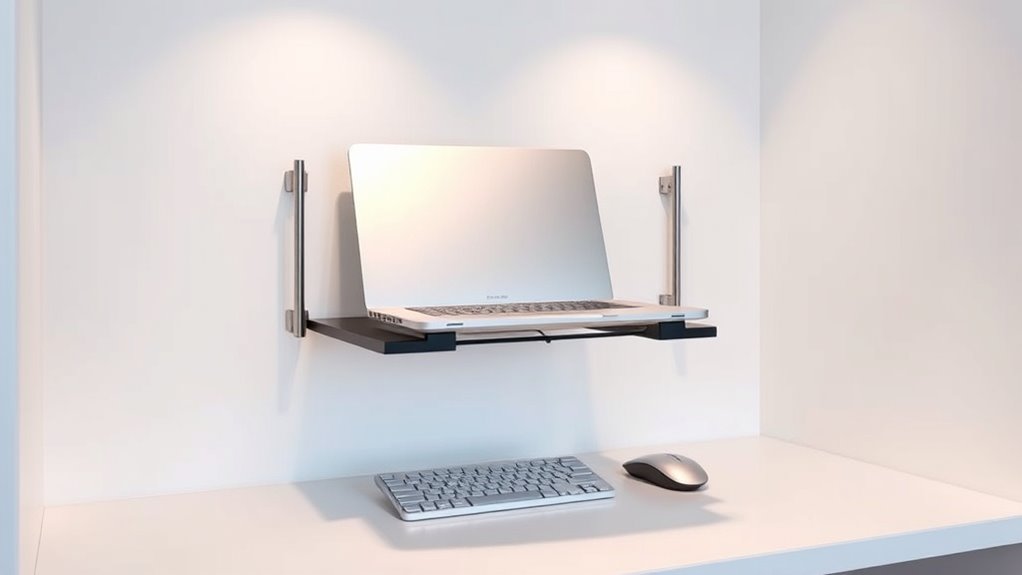

Hanging laptop stands help you create ergonomic workstations in tight spaces by freeing up your desk surface and improving your posture. They elevate your laptop to eye level, reducing neck and shoulder strain during long hours. These stands are portable, adjustable, and support better airflow for your device. With their space-saving design, you can organize your area more efficiently. Stick around to discover how choosing the right stand can boost comfort and productivity in small workspaces.
Key Takeaways
- Hanging laptop stands maximize limited space by freeing up desk surface and promoting organized, clutter-free work areas.
- Adjustable height features ensure ergonomic positioning, reducing neck and shoulder strain in tight environments.
- Durable materials provide secure support, preventing wobbling and device damage during extended use.
- Versatile designs fit various small spaces and enable seamless switching between sitting and standing work modes.
- Lightweight, portable options facilitate flexible workstation setups in shared offices, co-working spaces, or mobile environments.
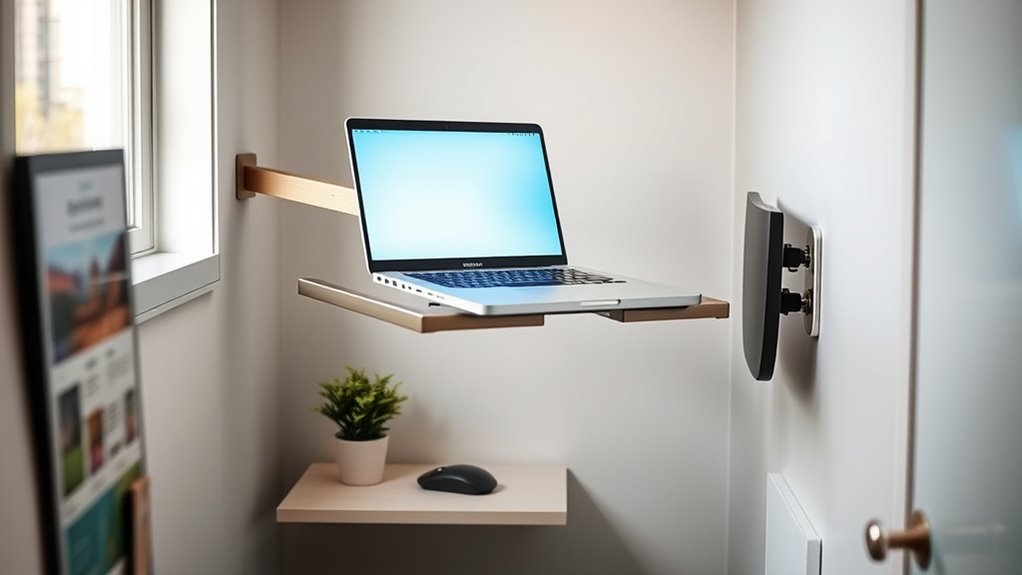
Ever wondered how to free up desk space and improve your posture while working on a laptop? Hanging laptop stands are an innovative solution that can help you achieve both. These stands suspend your device overhead, clearing surface area and reducing clutter. The key to making the most of a hanging stand lies in choosing one with adjustable height. This feature lets you customize the position of your laptop so that it aligns perfectly with your eye level, preventing neck strain and promoting better ergonomics. When you can easily raise or lower your device, you stay comfortable during long work sessions, and you can switch between sitting and standing positions more effortlessly.
Material durability is another vital consideration. Since hanging stands are often made from lightweight but sturdy materials like aluminum, high-quality plastics, or reinforced steel, you want to guarantee your stand can support your laptop securely over time. A durable material guarantees stability, preventing any wobbling or accidental slips that could damage your device. Investing in a well-constructed stand means you’ll enjoy consistent support and longevity, even with daily use. Plus, sturdy materials contribute to a sleek, modern look that complements your workspace aesthetics.
The versatility of hanging laptop stands is impressive. They are designed to fit various spaces, from small apartments to shared offices, where desk real estate is limited. By suspending your laptop, you free up valuable surface area for other essentials—documents, peripherals, or even decorative items. This setup encourages better organization, making your workspace feel less cramped and more functional. Additionally, many hanging stands are adjustable not just in height but also in angle, allowing you to find the perfect viewing position and reduce glare, which can strain your eyes over time.
Another advantage is portability. Many hanging laptop stands are lightweight and easy to move, so you can set up your ergonomic workspace wherever you go—be it a coffee shop, co-working space, or your living room. Their ease of installation and minimal footprint make them ideal for dynamic work environments. Furthermore, since they elevate your laptop, they naturally promote better airflow and cooling, which can extend your device’s lifespan and maintain excellent performance. Additionally, adjustable features can help optimize projector image quality and viewing angles in multi-use spaces.

IFCASE Adjustable Desk Side Laptop Mount Holder with Headphone Hook, No Drill Desk Storage Organizer (Black)
- Sturdy Steel Construction: Resists deformation on desks up to 2.4 inches thick
- Cable Management System: Open-frame design with edge barriers for cable access
- Easy No-Drill Setup: Quick installation with strong clamp for home or office
As an affiliate, we earn on qualifying purchases.
As an affiliate, we earn on qualifying purchases.
Frequently Asked Questions
How Do Hanging Laptop Stands Affect Air Circulation?
Hanging laptop stands generally improve airflow efficiency by elevating your device, preventing it from overheating. When you use a stand, air circulates more freely around your laptop, boosting cooling performance. This setup reduces heat buildup, helping your laptop run smoothly and extending its lifespan. So, by choosing a hanging stand, you enhance airflow efficiency and cooling performance, making your workspace more comfortable and your device more reliable.
Are Hanging Stands Suitable for All Laptop Sizes and Models?
You’ll find hanging laptop stands are like tailored suits—they fit most models, but not all. They offer excellent ergonomic benefits and maximize space efficiency, perfect for tight spots. However, verify your laptop size and weight align with the stand’s design for stability and comfort. If your device is unusually large or heavy, check the stand’s specifications first to avoid a mismatch that could compromise your workspace.
What Safety Precautions Should I Take With Hanging Stands?
To guarantee safety with hanging stands, always check the mounting safety and adhere to the recommended weight capacity. Make sure the stand is securely installed into a sturdy wall or support, and regularly inspect the mounting points for wear or damage. Avoid exceeding weight limits, and use appropriate tools and hardware. This will prevent accidents, protect your equipment, and create a safe, ergonomic workspace.
Can Hanging Stands Support Dual Monitors Alongside Laptops?
Think of your hanging stand as the backbone of your workspace. It can support dual monitors alongside your laptop if it’s designed with dual monitor compatibility and has a robust weight capacity. Check the weight limits carefully; exceeding them risks a fall. If your stand isn’t built for heavy loads, consider upgrading to one with higher weight capacity considerations to keep your setup safe and stable, flowing seamlessly.
How Easy Is It to Install and Remove Hanging Laptop Stands?
Installing and removing hanging laptop stands is generally straightforward. You’ll find that installation challenges are minimal if you follow the provided instructions carefully, as most stands use simple mounting hardware or adhesive strips. Removal procedures are just as easy—usually involving loosening screws or gently detaching adhesive pads. With a little patience, you can set up or take down your stand quickly, making it ideal for flexible or temporary workspaces.

LOXP Adjustable Laptop Stand, Computer Stand with 360 Rotating Base
- Foldable and Portable: Compact design for travel and home use
- 360° Rotating Base: Allows flexible angle adjustments
- Stable and Durable Material: Made of fiber metal for strength and stability
As an affiliate, we earn on qualifying purchases.
As an affiliate, we earn on qualifying purchases.
Conclusion
Hanging laptop stands transform cramped spaces into efficient workstations. They save desk space, improve posture, and boost productivity. They adapt to your needs, optimize your environment, and enhance your comfort. By choosing a hanging laptop stand, you create a workspace that’s organized, ergonomic, and flexible. Embrace this innovative solution, elevate your setup, and experience the benefits of a well-designed workstation. With a hanging laptop stand, you work smarter, healthier, and more comfortably—every day.

Tonmom Laptop Stand for Desk, Adjustable Laptop Riser, Black
- Adjustable Height: 7-level height from 2.78” to 6.5”
- Ergonomic Design: Promotes proper posture and reduces strain
- Stable Triangle Support: Ensures sturdy and secure placement
As an affiliate, we earn on qualifying purchases.
As an affiliate, we earn on qualifying purchases.

WALI Adjustable Laptop Desk Mount for 17 inch Notebook or 32 inch Screen
- Compatibility: Fits laptops up to 17 inches, 22 lbs
- Mounting Options: C-clamp and grommet mounts for various desks
- Adjustability: Extends, retracts, tilts, swivels, rotates
As an affiliate, we earn on qualifying purchases.
As an affiliate, we earn on qualifying purchases.