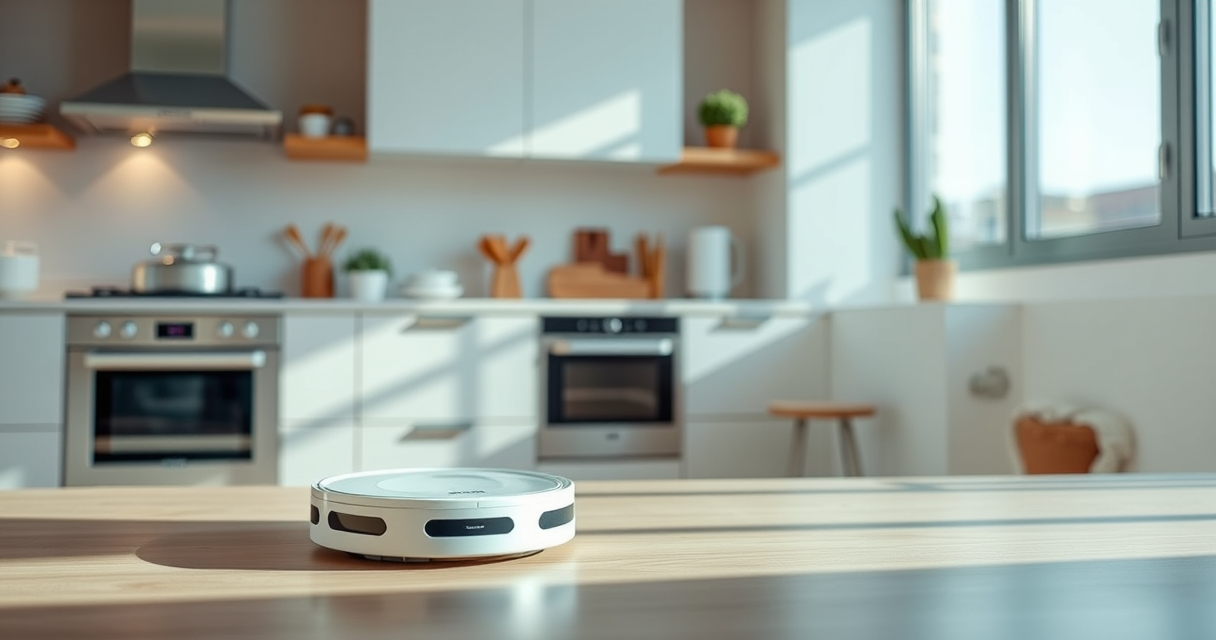
Maintaining your Roborock robot vacuum ensures it operates at peak efficiency and prolongs its lifespan. Regular cleaning of filters, brushes, and sensors prevents common issues and keeps your home spotless. This guide provides practical, step-by-step instructions to help you perform routine maintenance safely and effectively.
Whether you own the Roborock Q7 M5+ or similar models, following these tips will help you troubleshoot problems and keep your device running smoothly between professional checkups.
Key Takeaways
| Filter Care | Regularly clean and replace filters to maintain suction power. |
| Brush Maintenance | Remove hair and debris from brushes and anti-tangle systems. |
| Sensor Cleaning | Keep navigation sensors dust-free for accurate mapping. |
| Battery & Charging | Ensure charging contacts are clean for reliable charging. |
| Identify common issues and resolve them easily. |

roborock Q7 M5+ Robot Vacuum and Mop, Up to 7-9 Weeks Self-Empty, 10000Pa
- Long-Lasting Self-Emptying: Up to 9 weeks with 2.7L dust bag
- Powerful Suction: 10000Pa for deep cleaning
- Tangle-Resistant Brushes: Dual anti-tangle design for pet hair
As an affiliate, we earn on qualifying purchases.
Cleaning the Dust Bin and Filter
- Open the dust bin compartment and remove the sealed dust bag, which can hold up to 2.7L of debris, reducing the need for frequent emptying.
- Empty the dust bag and check for any clogs or blockages.
- Remove the washable HEPA filter from the dust bin, rinse it under water, and let it dry completely before reinserting.
- Replace the filter if it shows signs of wear or after several washes to maintain optimal filtration.
Maintaining the Main Brush and Anti-Tangle System
- Remove the main brush from its compartment following the manufacturer’s instructions.
- Clear hair, pet fur, and debris from the brush and anti-tangle system.
- Use a cleaning tool or scissors to trim any tangled hair.
- Reinstall the brush securely, ensuring it spins freely.
Cleaning Sensors and Navigation Components
Use a soft, dry cloth or a slightly damp microfiber cloth to gently wipe the optical and laser sensors on the front, sides, and bottom of the vacuum. This keeps navigation accurate and prevents misrouting or missed spots.
Checking and Maintaining the Charging Dock
- Ensure the charging contacts on the robot and dock are free of dust and debris.
- Wipe the contacts with a dry cloth to improve charging efficiency.
- Verify the dock’s placement for unobstructed access and proper ventilation.
Troubleshooting Common Issues
- If the vacuum is not charging, check the contacts and power source.
- For poor suction, clean or replace the filter and check the suction port for blockages.
- If navigation seems erratic, clean sensors and update firmware if needed.
The Products in This Guide

roborock Q7 M5+ Robot Vacuum and Mop
- ✔ Battery Life: Long-lasting
- ✔ Filter Type: HEPA washable
- ✔ Compatibility: Roborock Q7 series

4 Pack Washable Filter
- ✔ Wash Cycles: Multiple
- ✔ Filter Material: HEPA
- ✔ Compatibility: Multiple Roborock models
roborock Q7 M5+ Robot Vacuum and Mop
The Roborock Q7 M5+ offers up to 7-9 weeks of hands-free cleaning thanks to its self-emptying dust bag and powerful 10000Pa suction. Its dual anti-tangle system and PreciSense LiDAR navigation make it ideal for pet owners and busy households.
Pros:
- Long-lasting self-emptying dust bag
- Powerful 10000Pa suction
- Effective anti-tangle system
- App control and detailed mapping
Cons:
- Initial setup can be complex
- Heavier than some models
- Replacement filters needed over time
Best for: Pet owners and users seeking minimal maintenance with high cleaning power
Not ideal for: Homes with very narrow spaces or minimal pet fur
Bottom line: A high-performance robot vacuum with minimal ongoing maintenance needs.
4 Pack Washable Filter
This 4-pack of washable HEPA filters ensures your Roborock Q7 and similar models maintain optimal suction and filtration, with easy installation and long-term savings.
Pros:
- Cost-effective
- Easy to replace and wash
- Maintains high filtration efficiency
- Compatible with multiple models
Cons:
- Requires regular washing
- Not OEM, but high quality
- Filters wear over time
Best for: Maintaining peak filtration performance
Not ideal for: If you prefer OEM parts exclusively
Bottom line: A cost-effective way to keep your vacuum’s filtration in top shape.
Frequently Asked Questions
How often should I clean the filters?
It’s recommended to wash the HEPA filters every 1-2 weeks and replace them every 6-12 months for optimal performance.
What is the best way to remove pet hair from the brushes?
Use a pair of scissors or a cleaning tool to carefully cut away tangled hair, and regularly remove debris from the brushes.
How do I troubleshoot poor suction?
Check and clean the filter, remove any obstructions in the suction port, and ensure the dust bag is properly installed and not full.
Can I use any cleaning solution on sensors?
Use a dry microfiber cloth or a slightly damp cloth without harsh chemicals to gently wipe sensors and maintain their accuracy.
Keep Your Roborock Running Smoothly
Regular maintenance of your Roborock robot vacuum—such as cleaning filters, brushes, and sensors—can significantly enhance its longevity and cleaning effectiveness. Follow these simple steps to troubleshoot common issues and enjoy effortless cleaning for weeks to come.
Affiliate disclosure: As an Amazon Associate we earn from qualifying purchases. Prices and availability are accurate as of the time of publishing.