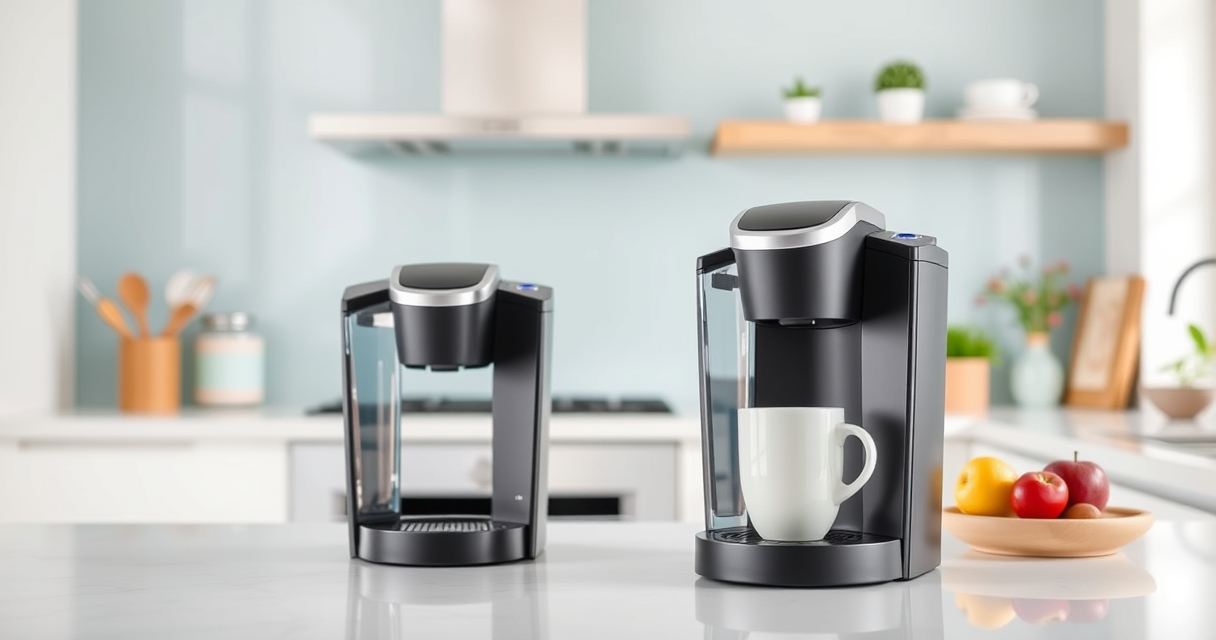

If your Keurig K-Mini isn’t brewing a full cup, it can be frustrating. Common causes include mineral buildup, blockages, or water reservoir issues. This guide provides practical, safe steps to diagnose and fix the problem, so you can enjoy your coffee without interruptions.

Get home appliances delivered free — and shop member deals
- Fast, free delivery on millions of items
- Access to Prime Big Deal Days deals on October 6–7
- Prime Video, Amazon Music and more included
Follow these clear instructions to restore your Keurig’s full brewing capacity quickly and effectively.
Key Takeaways
| Check for mineral buildup | Descaling the machine can resolve mineral deposits blocking water flow. |
| Inspect the water reservoir | Ensure the reservoir is properly seated and filled with enough water. |
| Clean the needle and pod holder | Clogged needles or residue can hinder water flow and brewing volume. |
| Verify brew size settings | Make sure the selected brew size matches your expectations. |
| Perform regular maintenance | Using descaling kits and cleaning accessories prolongs machine life and performance. |
Check and Fill the Water Reservoir
- Remove the water reservoir from your Keurig K-Mini and inspect it for any cracks or blockages.
- Fill the reservoir with fresh, clean water to the appropriate level.
- Ensure the reservoir is properly seated back into the machine, clicking into place securely.
Perform Descaling to Remove Mineral Buildup
- Use a descaling solution, such as the Keurig Descaling Kit, to clean out mineral deposits.
- Follow the manufacturer’s instructions—typically, fill the reservoir with the solution and run a cleaning cycle without a K-Cup.
- Rinse thoroughly by running multiple brew cycles with just water to remove any residual descaling solution.
Clean the Needle and Pod Holder
- Turn off and unplug the machine before cleaning.
- Use a paperclip or the Keurig Needle Maintenance Tool to clear any clogs in the entrance needle.
- Remove the pod holder and wash it with warm, soapy water to remove coffee grounds and residue.
Check Brew Size Settings and Usage
Ensure that you have selected the correct brew size (6-12oz). Sometimes, selecting a smaller size results in a partial brew. Also, confirm that no error messages or blinking lights indicate other issues.
Regular Maintenance and Troubleshooting Tips
- Use a descaling kit every 3-6 months depending on usage and water hardness.
- Always use fresh water and clean the machine regularly.
- If problems persist, try resetting the machine by unplugging it for a few minutes before plugging back in.
The Products in This Guide

Keurig K-Mini Single Serve K-Cup Pod Coffee Maker
- ✔ Weight: 5 lbs
- ✔ Material: Matte finish
- ✔ Capacity: Removable drip tray

My K-Cup® Reusable Coffee Filter
- ✔ Material: BPA-free plastic
- ✔ Capacity: Single cup
- ✔ Compatibility: Multiple Keurig models
Keurig K-Mini Single Serve K-Cup Pod Coffee Maker
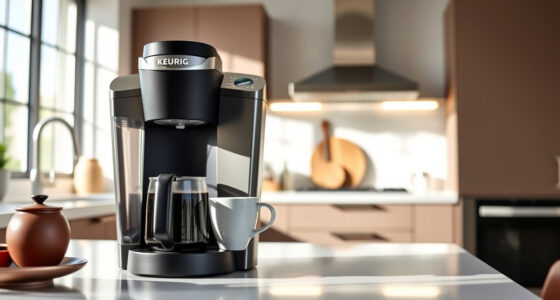
The Keurig K-Mini is a perfect choice for those with limited space who want quick, fresh coffee. Its simple design makes troubleshooting straightforward, and descaling helps keep it brewing full cups.
Pros:
- Compact size fits small spaces
- Easy to use and clean
- Brews in minutes
- Removable drip tray for travel mugs
Cons:
- Limited water reservoir capacity
- Not suitable for high-volume use
- Requires regular descaling for optimal performance
Best for: Small households, office spaces, or travelers needing a space-saving coffee maker.
Not ideal for: Heavy use or larger families needing bigger capacity or continuous brewing.
Bottom line: A compact, reliable coffee maker ideal for small spaces that brews fresh coffee quickly.
My K-Cup® Reusable Coffee Filter
If you prefer using your own ground coffee, the My K-Cup Reusable Coffee Filter is a perfect addition. It’s compatible with the Keurig K-Mini and other models, making your brew options more versatile.
Pros:
- Eco-friendly and economical
- Easy to clean and reuse
- Ensures full flavor extraction
- Compatible with various Keurig models
Cons:
- Requires filling and cleaning after each use
- Potential for clogging if not cleaned properly
- Less convenient than pre-packaged pods
Best for: Coffee enthusiasts who want to customize their brews with ground coffee.
Not ideal for: Users seeking a quick, pod-based brewing experience.
Bottom line: A practical reusable filter for ground coffee lovers seeking flexibility.
Frequently Asked Questions
Why is my Keurig K-Mini not brewing a full cup?
Common reasons include mineral buildup, clogged needles, or improper water reservoir placement. Descaling and cleaning can usually resolve these issues.
How often should I descale my Keurig K-Mini?
It’s recommended to descale every 3-6 months, or more frequently if you have hard water, to prevent mineral buildup that affects brewing performance.
Can I use ground coffee instead of K-Cups?
Yes, with a reusable filter like the My K-Cup, you can brew your own ground coffee, giving you more options and reducing waste.
What should I do if my machine still brews partially after cleaning?
Try resetting the machine, ensure the water reservoir is full and properly seated, and repeat descaling procedures. If problems persist, contact customer support.
Keep Your Keurig Brewing Perfectly
Regular maintenance, proper cleaning, and descaling are key to ensuring your Keurig K-Mini produces full, flavorful cups every time. Follow these troubleshooting steps to resolve common issues and enjoy your coffee hassle-free.
Affiliate disclosure: As an Amazon Associate we earn from qualifying purchases. Prices and availability are accurate as of the time of publishing.
Fall yard work Picks
leaf blowers
As an affiliate, we earn on qualifying purchases.