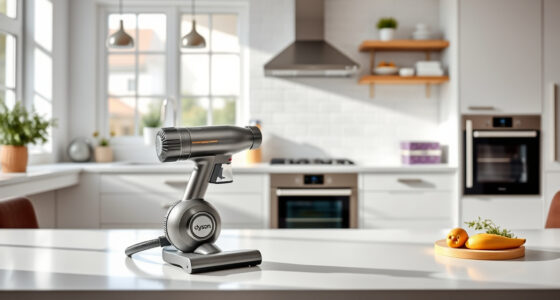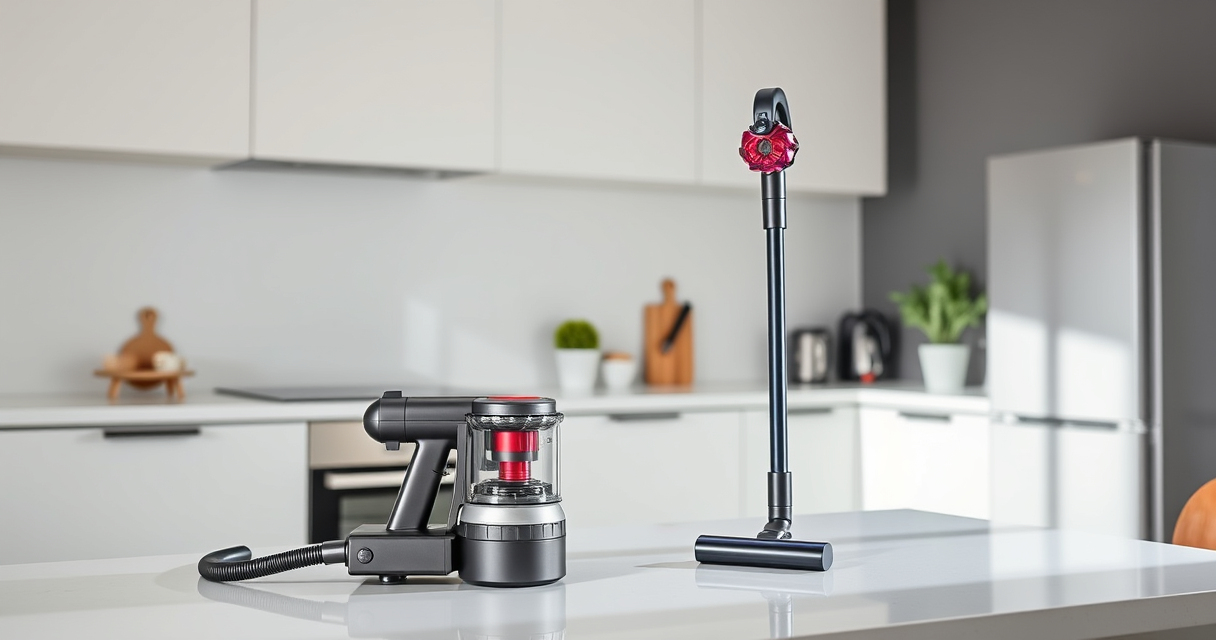

If your Dyson V15 Detect™ Origin Cordless Vacuum isn’t holding its charge like it used to, you’re not alone. Many users experience rapid battery depletion over time, which can diminish cleaning efficiency. Fortunately, most issues are fixable with simple steps. This guide will help you identify causes and implement effective solutions to extend your vacuum’s battery life.
Understanding the common reasons behind quick battery drain and knowing how to maintain and troubleshoot your Dyson can save you money and keep your cleaning routine smooth.
Key Takeaways
| Battery Age and Usage | Older batteries or frequent deep discharges reduce capacity. |
| Clogged Filters and Obstructions | Filters and air pathways can restrict airflow, draining the battery. |
| Dirty or Worn Battery Contacts | Corrosion or dirt on contacts can impair power transfer. |
| Incorrect Charging Practices | Using incompatible chargers or overcharging can damage the battery. |

Dyson V15 Detect™ Origin Cordless Vacuum
- Deep cleaning with intelligent dust detection: Reveals invisible dust for thorough cleaning
- Enhanced power and runtime: 100% more power, 60-minute battery life
- Energy-efficient power trigger: Uses power only when needed
As an affiliate, we earn on qualifying purchases.
Check and Clean the Filters
- Remove the pre-filters and main filters from your vacuum according to the user manual.
- Rinse the filters thoroughly with water, ensuring all dirt is washed away.
- Allow filters to air dry completely for at least 24 hours before reinstalling.
- Reinstall the filters securely to ensure proper airflow.

LANMU Crevice Tool Vacuum Attachments Compatible with Dyson V15 V12 V11 V10 V9 V8 V7 Gen5 Outsize Vacuum Cleaner, Narrow Nozzel Replacement Parts for Hard-to-Reach Space
- Wide Compatibility: Compatible with various Dyson models
- Slim and Flexible Design: Narrow nozzle for hard-to-reach areas
- Versatile Applications: Ideal for furniture, car, and appliance cleaning
As an affiliate, we earn on qualifying purchases.
Inspect and Clean Battery Contacts
- Turn off and unplug your vacuum before inspecting the battery area.
- Use a dry cloth or a soft brush to gently clean any corrosion or dirt on the battery terminals.
- Ensure contacts are dry and free of debris before reassembling.
Optimize Charging Habits
- Always use the original Dyson charger or a recommended compatible charger.
- Avoid leaving the vacuum plugged in continuously after reaching full charge.
- Charge the battery when it is partially drained, ideally between 20% and 80% for longevity.
Replace Worn or Old Batteries
If your battery is several years old or shows signs of reduced capacity even after cleaning, consider replacing it. The Dyson V15 Detect™ uses a high-capacity lithium-ion battery, which can be replaced through authorized service centers or with compatible replacement batteries.
Additional Tips for Battery Maintenance
- Store your vacuum in a cool, dry place away from extreme temperatures.
- Run the vacuum regularly to prevent battery memory effect.
- Monitor your LCD screen for maintenance alerts and follow recommended actions.
The Products in This Guide

Dyson V15 Detect™ Origin Cordless Vacuum
- ✔ Recharge Time: Approximately 4 hours
- ✔ Weight: Less than 7 lbs.
- ✔ Battery Capacity: 2.5 Ah

LANMU Crevice Tool Vacuum Attachments Compatible
- ✔ Length: Around 12 inches
- ✔ Weight: Less than 0.5 lbs.
- ✔ Flexibility: High
Dyson V15 Detect™ Origin Cordless Vacuum
The Dyson V15 Detect™ Origin offers powerful suction and smart cleaning features, making it ideal for whole-home cleaning. Its LCD screen and advanced sensors help maintain optimal performance, but like all cordless vacuums, battery longevity can decline over time.
Pros:
- Powerful suction with 100% more power
- Intelligent debris detection
- Long 60-minute runtime
- Versatile cleaning heads
Cons:
- Battery life diminishes with age
- High initial cost
- Filters require regular cleaning
Best for: Deep cleaning homes with pets and hard-to-reach areas
Not ideal for: Heavy-duty commercial use or extended cleaning sessions without battery replacement
Bottom line: A high-performance cordless vacuum with smart features, though battery maintenance is key for longevity.
LANMU Crevice Tool Vacuum Attachments Compatible
This LANMU crevice tool attachment is compatible with a wide range of Dyson models, including the V15. Its narrow, flexible design makes it easy to reach tight spaces and corners, enhancing your cleaning efficiency.
Pros:
- Narrow nozzle navigates tight spots
- Compatible with many Dyson models
- Made of durable materials
- Easy to attach and detach
Cons:
- Slightly longer cleaning time for complex areas
- May not fit older Dyson models without compatibility check
- Limited to small crevice cleaning
Best for: Cleaning hard-to-reach corners in homes and cars
Not ideal for: Large debris removal or heavy-duty cleaning
Bottom line: A versatile crevice attachment that enhances your Dyson’s reach into tight spots.
Frequently Asked Questions
How often should I replace my Dyson vacuum’s battery?
Typically every 3-5 years, depending on usage and battery health, especially if you notice reduced run time.
Can I upgrade or replace the battery myself?
Replacement batteries are available and can be installed by following manufacturer instructions or through authorized service centers.
Why does my Dyson vacuum drain battery quickly even after cleaning filters?
This may be due to a worn battery, dirty contacts, or internal component issues. Performing maintenance and replacing the battery if needed can help.
Is it safe to leave my Dyson charging overnight?
Yes, Dyson chargers are designed with smart technology to prevent overcharging, but it’s best to unplug once fully charged to prolong battery life.
Keep Your Dyson V15 Detect™ Running at Its Best
Maintaining your Dyson cordless vacuum’s battery health is essential for consistent cleaning performance. Regularly cleaning filters, inspecting contacts, and following proper charging habits can significantly extend battery life. If your battery shows signs of aging, replacing it ensures you continue enjoying powerful, efficient cleaning without the frustration of rapid battery drain.
By following these troubleshooting steps and maintenance tips, you’ll maximize your Dyson’s lifespan and keep your home spotless with ease.
Affiliate disclosure: As an Amazon Associate we earn from qualifying purchases. Prices and availability are accurate as of the time of publishing.