
TL;DR

Get home appliances delivered free — and shop member deals
- Fast, free delivery on millions of items
- Access to Prime Big Deal Days deals on October 6–7
- Prime Video, Amazon Music and more included
Prebuilt AI workstations now often match or beat DIY in price thanks to component shortages and bulk buying. They save time, reduce risks, and come tested with support, but custom builds offer tailored control. The right choice depends on your workload, expertise, and priorities.
Think building your own AI workstation always saves money? Think again. Building your own AI workstation. The AI boom, combined with component shortages and skyrocketing prices, has flipped the script. Today, buying a prebuilt can be just as affordable—and way faster. It’s no longer a simple trade-off between control and cost; it’s about risk, time, and workload.
Whether you’re a hobbyist eager to tweak every part or a professional who needs instant access, understanding these shifts can change your entire approach. Ready to see which path makes the most sense in 2026? Let’s break down the real costs, benefits, and tradeoffs.
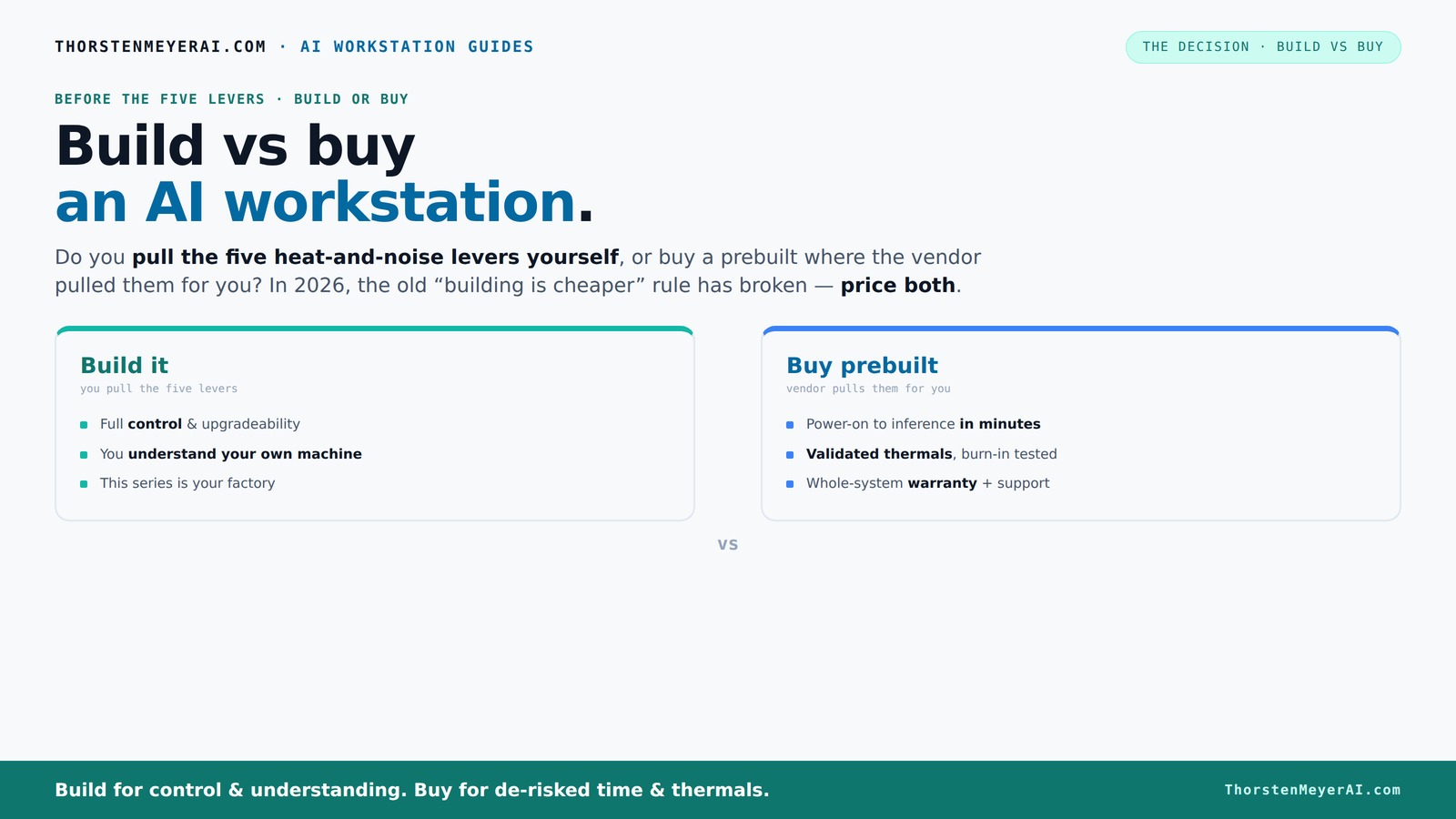
Build vs buy
an AI workstation.
The real question behind this whole series: do you pull the five heat-and-noise levers yourself, or buy a prebuilt where the vendor pulled them for you? And in 2026, the old “building is cheaper” rule has broken. Match your situation in Part 3.
Why Building Your Own AI Workstation Isn’t Always Cheaper Anymore
Building a PC used to be a straightforward way to save money. But recent market upheavals—thanks to the AI gold rush—have changed that. If you're considering your options, check out build vs buy guides. Component shortages and bulk buying by vendors have lowered the prices of prebuilt systems, sometimes even undercutting DIY costs.
For example, a DIY build with a top-tier GPU and 64GB of DDR5 RAM that used to cost around $2,500 now easily hits $3,000+ because of inflated component prices. Meanwhile, a prebuilt from a major vendor might cost about the same, with the added benefit of quick setup and tested stability.
This shift means that your decision isn’t just about saving a few bucks; it’s about weighing time, reliability, and future-proofing—factors where prebuilts often excel. When you build, you assume the risk of component incompatibility, potential delays, and the need for troubleshooting. Conversely, prebuilts come with tested configurations, ensuring that the hardware works seamlessly together, which can be crucial when deadlines or uptime are critical.
Furthermore, the perceived cost savings of DIY can be offset by hidden expenses—extra tools, time investment, and the learning curve. In contrast, prebuilts offer a predictable price and performance, allowing you to allocate your time and budget more effectively toward your actual projects.
As an affiliate, we earn on qualifying purchases.
The 5 Levers That Make or Break Your AI Workstation’s Heat and Noise
In high-end AI workstations, managing heat and noise is a delicate dance. The five levers are: undervolting the GPU, matching the cooler to your heat load, optimizing airflow, tuning fan curves, and choosing the right placement.
Imagine you’re running a multi-GPU rig for training large models. If you undervolt your GPUs and use a custom water-cooling setup, you can cut noise by 30% and temperature by 15°C—making the machine quieter and more reliable. This is crucial because excessive heat and noise can degrade hardware longevity and introduce instability, especially during long training sessions.
When you buy a prebuilt, the vendor pulls these levers for you—testing and validating the thermal setup, often with water-cooling or advanced airflow design. This means your system is optimized out of the box, reducing the risk of overheating or excessive noise that could interrupt your work or damage components. Learn more about thermal and air quality management for optimal performance. Building yourself requires a deep understanding of thermal dynamics, component compatibility, and airflow design, which can be time-consuming and technically demanding but offers the benefit of tailored performance tuning.
Choosing between the two approaches involves understanding how much control you want over thermal management versus your willingness to invest time and expertise. Proper thermal management is essential not just for comfort but for ensuring consistent performance and hardware longevity, especially in demanding AI workloads.
As an affiliate, we earn on qualifying purchases.
Compare the Key Features of Build vs Buy in a Clear Table
| Feature | Build Your Own | Buy Prebuilt |
|---|---|---|
| Cost | Potentially cheaper, but market shifts are narrowing the gap. Building allows selective component choices, but inflated prices and hidden costs can diminish savings. The tradeoff is the time and expertise required to optimize for performance and reliability. | |
| Time to Deploy | Longer—assembly, testing, troubleshooting. Building involves sourcing parts, assembling, and fine-tuning BIOS and drivers, which can take days or weeks, especially if issues arise. | |
| Performance Tuning | Full control—undervolt, optimize cooling, fine-tune BIOS. You can customize settings for maximum performance or efficiency but must understand the implications and risks of tweaking hardware parameters. | |
| Support/Warranty | Fragmented, depends on parts; DIY support is less centralized. Troubleshooting can be complex if issues stem from compatibility or BIOS conflicts, requiring technical knowledge. For support options, see home support and warranty tips. | |
| Upgradeability | Highly flexible—swap parts, add RAM, upgrade GPU. This flexibility allows adapting to evolving needs but requires ongoing technical effort and compatibility checks. | |
| Thermal & Noise Management | DIY tuning required; risk of thermal issues if not done right. Achieving optimal thermal and noise levels depends on your expertise, with potential for suboptimal configurations if mismanaged. | |
| Risk & Compatibility | Higher risk—BIOS issues, part compatibility, troubleshooting. Incorrect assembly or incompatible parts can cause system instability or hardware failure. | |
| Convenience | Requires time, technical skill, patience. Assembling and tuning a system is labor-intensive and requires troubleshooting skills. | |
| Speed of Deployment | Weeks, depending on parts and assembly time. Supply chain delays can further extend timelines. | |
| Support & Warranty | Limited support; depends on individual parts. While individual warranties exist, coordinating support across multiple vendors can be cumbersome. |
As an affiliate, we earn on qualifying purchases.
Frequently Asked Questions
Is a prebuilt AI workstation worth it?
Absolutely. Prebuilts save you time, come tested for thermal and stability issues, and often include support and warranty. They’re especially valuable if you need to deploy quickly or lack the time to troubleshoot hardware.Is building cheaper than buying prebuilt?
Not always in 2026. Component shortages and bulk buying by vendors have narrowed or even reversed price advantages. Always compare prices for your specific configuration before deciding.Which is better for local AI inference and training?
It depends. If you value control and customization, building your own can optimize performance for your workload. But for reliability, support, and quick setup, prebuilts often deliver comparable or better results. The tradeoff is that building gives you the ability to select specific components tailored to your needs, potentially squeezing out extra performance or efficiency, but it requires technical skill and time investment.How much GPU memory do I need for AI work?
For most training tasks, at least 24GB of VRAM is recommended—24GB to 48GB for larger models. Inference can often run well with 8–12GB, depending on model size. Matching your GPU memory to your workload ensures smoother performance and reduces the need for costly upgrades later, especially as models grow larger and more demanding.Should I prioritize GPU, RAM, CPU, or storage first?
GPU performance is king for AI workloads because it directly impacts training speed and efficiency. Next, focus on sufficient RAM (at least 64GB for large models) to handle data and multitasking. CPU and storage are important but secondary—balancing these components prevents bottlenecks and ensures your system performs reliably across your tasks.As an affiliate, we earn on qualifying purchases.
Conclusion
In 2026, the decision to build or buy your AI workstation isn’t just a budget calculation. It’s about your workflow, risk appetite, and how quickly you need to get up and running. The market’s shift toward supporting prebuilt systems means you can get high-performance, reliable hardware without sacrificing control—if you know what to look for.
Remember, the best choice aligns with your workload and skill level. Whether you prefer to tweak every detail or want a turnkey solution, this year’s landscape makes smart, tailored decisions more accessible than ever. Ready to pick your path? The AI frontier waits for no one—choose yours wisely.
Fall yard work Picks
leaf blowers
As an affiliate, we earn on qualifying purchases.