If your Bissell carpet cleaner is leaving behind water or streaks, it can hinder your cleaning results and create additional mess. This issue is often caused by blockages, worn parts, or improper maintenance. Fortunately, many problems are straightforward to diagnose and fix with some basic troubleshooting steps. In this guide, we’ll walk you through the essential steps to restore your Bissell ProHeat 2X Revolution Pet Turbo Upright Carpet Cleaner to optimal performance, ensuring your carpets get the deep clean they deserve without excess water left behind.
Before starting, make sure to unplug your machine and gather the necessary tools and replacement parts if needed. Safety first: avoid working on a plugged-in device, and handle cleaning components carefully to prevent damage.
Key Takeaways
| Check for blockages | Clear all hoses and nozzles of debris. |
| Inspect the filters | Ensure filters are clean and properly installed. |
| Examine the seals | Look for worn or damaged seals and replace if necessary. |
| Test the water pump | Verify the pump is functioning correctly and not clogged. |
| Use recommended solutions | Avoid overfilling with too much cleaning solution or water. |

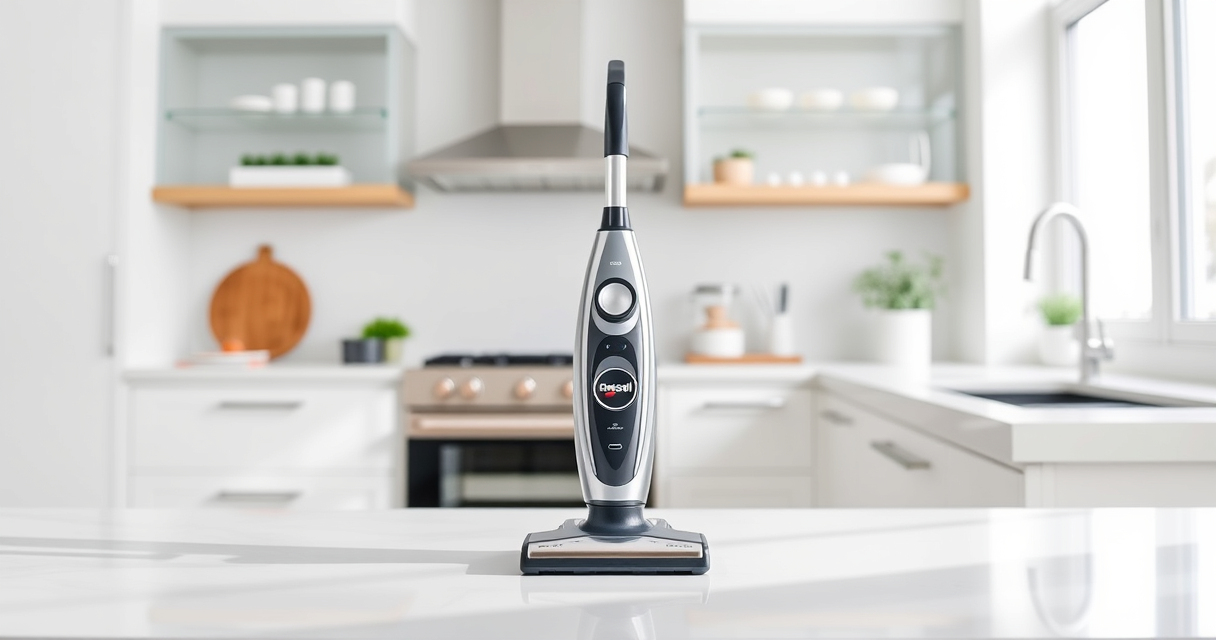
BISSELL ProHeat 2X Revolution Pet Turbo Upright Carpet Cleaner, 35799
TURBOSTRENGTH MOTOR TECHNOLOGY. Delivers an energy-efficient 40% more suction power and 50% noise reduction for a quiet clean.
As an affiliate, we earn on qualifying purchases.
Identify and Clear Blockages
The first step in fixing a Bissell cleaner that leaves water is to check for any blockages. Start by unplugging the machine and removing the water tank. Inspect the hose, nozzle, and brush roll area for any debris or buildup that could obstruct water flow. Use a small brush or a toothpick to clear out clogs gently. Sometimes, pet hair or dirt can cause blockages that prevent proper suction and drainage. Ensuring these pathways are clear will improve water pickup and prevent excess water from pooling on your carpets.
As an affiliate, we earn on qualifying purchases.Amazon Product B08ZS3PSD6
Clean and Replace Filters
Dirty or clogged filters can significantly impact the machine’s ability to suction water effectively. Remove the filters from your cleaner—these are typically located near the water tank or inside the filter housing. Rinse them thoroughly with warm water and let them dry completely before reinstalling. If filters are worn out or damaged, replacing them with compatible filters like the JORAIR Brush Replacement (asin=B08ZS3PSD6) can restore performance. Properly maintained filters ensure that water and dirt are efficiently separated, reducing the likelihood of leaving excess water behind.
Inspect Seals and Gaskets
Worn or damaged seals and gaskets can cause leaks and hinder water extraction. Check the seals around the water tank, nozzles, and the brush roll compartment. Look for cracks, tears, or deformities. If you notice any issues, replace these parts promptly to restore proper sealing. Proper sealing ensures that water remains within the system during cleaning and is extracted effectively, preventing pooling or streaking on your carpets.
Test and Maintain the Water Pump
The water pump is crucial for delivering water from the tank to the cleaning head. If it’s malfunctioning or clogged, your machine may leave excess water. To test the pump, listen for a humming sound when the machine is in operation, indicating it’s working. If you hear no sound or notice weak water flow, it might be clogged or faulty. Carefully disconnect the pump according to your model’s manual, clean any debris, and reassemble. Regular maintenance of the pump will improve water delivery and suction, preventing leftover water.
Use Proper Cleaning Solutions and Avoid Overfilling
Using the correct cleaning solutions as recommended by Bissell helps ensure optimal performance. Avoid overfilling the water tank, as too much water can overwhelm the system and cause water to be left behind. Follow the instructions on your cleaning solution, such as the Bissell Multi-Surface Solution (asin=B07QH39NBP), which is designed for use with your machine. Proper dosing and using the right solutions help maintain the machine’s balance, ensuring efficient cleaning without excess water pooling.
The Products in This Guide

BISSELL ProHeat 2X Revolution Pet Turbo Upright Carpet C
- ✔ Power: TurboStrength motor
- ✔ Cleaning Modes: MAX and Express
- ✔ Technology: Heatwave technology

JORAIR Brush Replacement Compatible
- ✔ Compatibility: Multiple Bissell CrossWave models
- ✔ Includes: Brush rolls and filters
- ✔ Material: Plastic and synthetic fibers
BISSELL ProHeat 2X Revolution Pet Turbo Upright Carpet C
The BISSELL ProHeat 2X Revolution Pet Turbo Upright Carpet Cleaner (model 35799) is renowned for its powerful suction, heatwave technology, and dual DirtLifter powerbrushes. Designed for pet owners and heavy-duty cleaning, it offers MAX and Express modes for versatile use. If your cleaner is leaving water, addressing blockages, filters, and seals will significantly improve its performance.
Pros:
- Powerful 40% more suction with TurboStrength motor
- Effective removal of embedded dirt and stains
- Quiet operation with noise reduction
- Fast drying with Express Clean Mode
Cons:
- Can be heavy for some users
- Requires regular maintenance of filters and seals
- Replacement parts may be needed over time
Best for: Heavy-duty cleaning, pet hair removal, deep stain removal
Not ideal for: Light surface cleaning or small spaces
Bottom line: The BISSELL ProHeat 2X Revolution Pet Turbo offers professional-grade cleaning with smart features, but regular maintenance ensures it won’t leave excess water behind.
JORAIR Brush Replacement Compatible
The JORAIR Brush Replacement Compatible with Bissell CrossWave offers an affordable way to keep your machine functioning like new. It features multi-surface brush rolls and filters, making it a versatile upgrade for your cleaning needs. Replacing worn brushes and filters can improve water extraction and prevent leftover water issues.
Pros:
- Compatible with many Bissell CrossWave models
- Includes 3 brush rolls and filters
- Easy to install and replace
- Affordable price
Cons:
- Only compatible with specific models
- May require periodic replacement
- Not a direct part for ProHeat models
Best for: Maintaining Bissell CrossWave machines
Not ideal for: As a fix for ProHeat water leaving issues
Bottom line: Replacing brushes and filters with compatible parts can boost performance and reduce leftover water on your carpets.
Frequently Asked Questions
Why is my Bissell cleaner leaving water on the carpet?
This could be caused by blockages, clogged filters, worn seals, or a faulty water pump. Regular maintenance and inspection can help identify and fix these issues.
How often should I clean the filters and nozzles?
It’s recommended to clean the filters after every few uses and inspect the nozzles regularly for debris buildup to ensure optimal performance.
Can replacing the brushes help with water drainage issues?
Yes, worn or damaged brushes can affect water flow and suction. Replacing them with compatible brushes can improve cleaning and water extraction.
Is it safe to use other cleaning solutions besides Bissell’s?
It is best to use solutions recommended by Bissell or compatible alternatives like the Bissell Multi-Surface Solution. Using incompatible products may damage the machine.
What should I do if my machine continues to leave water after troubleshooting?
If issues persist, contact Bissell customer service or a professional technician for further diagnosis and repair.
Achieve a Spotless, Water-Free Carpet with Proper Maintenance
Keeping your Bissell carpet cleaner functioning optimally requires regular checks of filters, seals, and hoses. Addressing blockages and replacing worn parts will significantly reduce the chances of leaving excess water behind. With diligent maintenance and the right replacements, your machine will deliver professional results every time, making your home cleaner and more comfortable.
Affiliate disclosure: As an Amazon Associate we earn from qualifying purchases. Prices and availability are accurate as of the time of publishing.